一款为“给她拍照”认真设计的相机A camera thoughtfully made for photographing her

别让一次快门,
变成一场争论。

Let the shutter
end the argument.

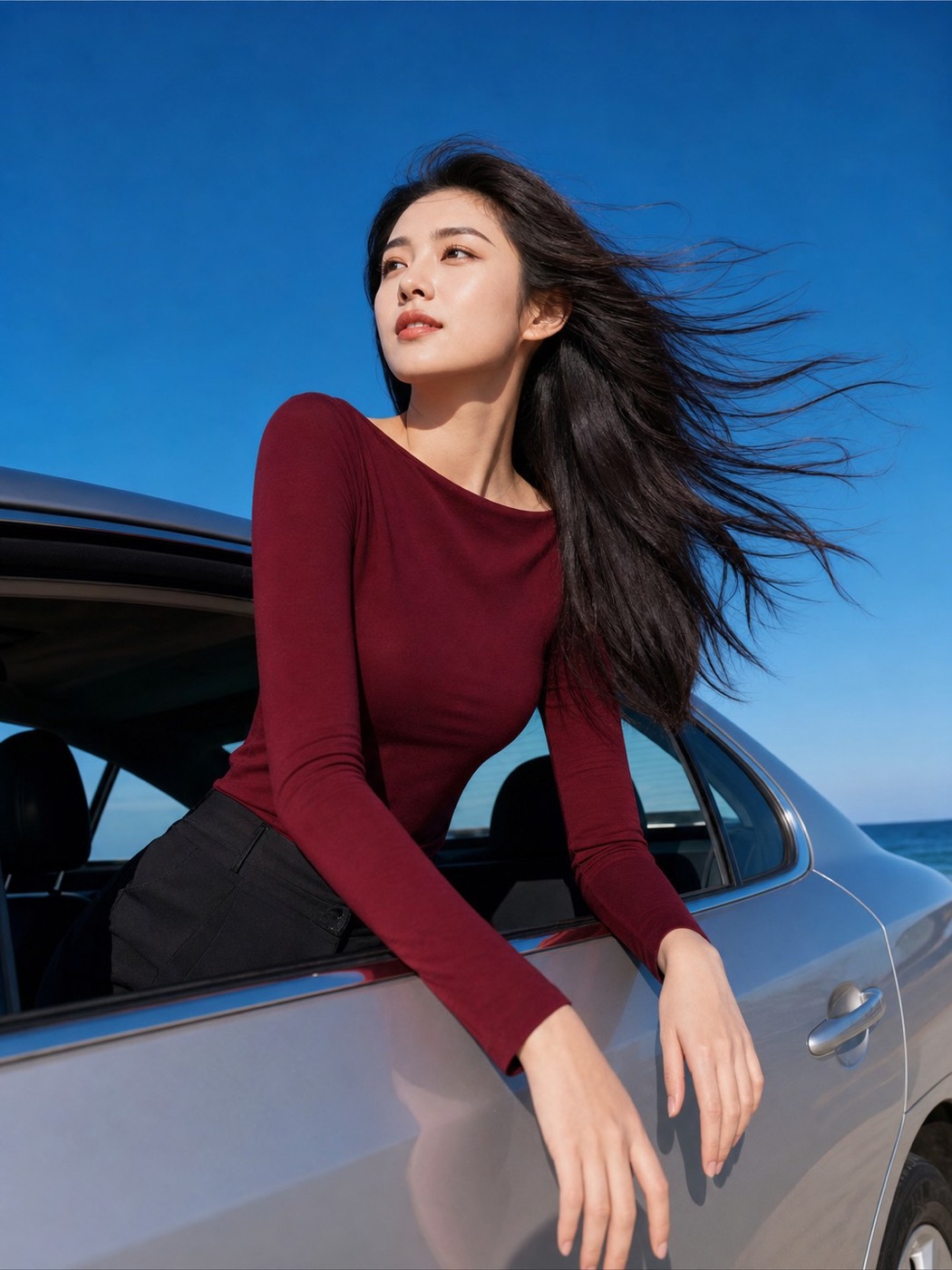
你不需要先成为摄影师。选一个喜欢的样例,把她放进画面,照着机位、站位和动作要点拍。

You do not have to become a photographer first. Pick a reference, place her in the frame, then follow the angle, distance and cues.

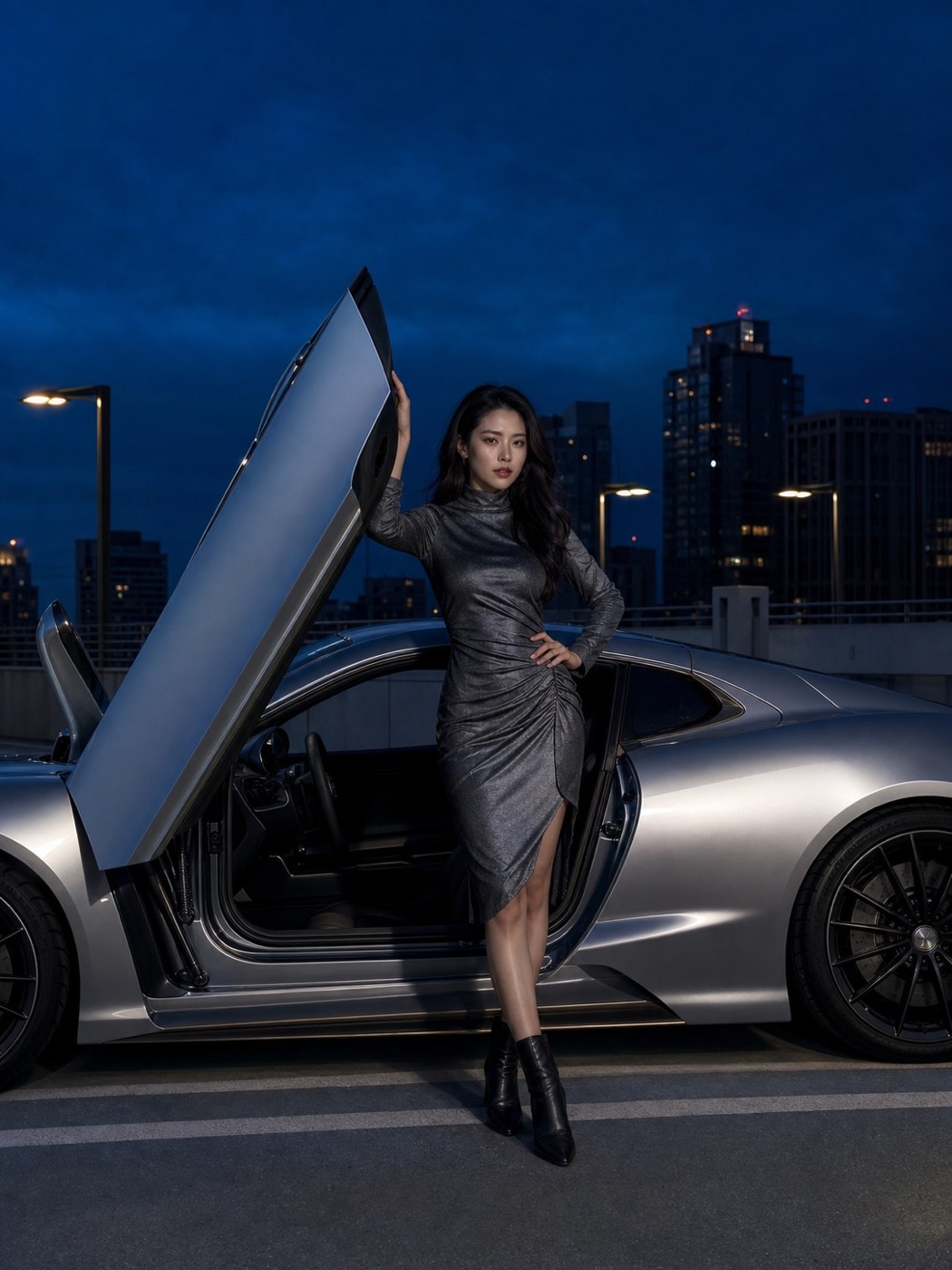
车边人像样例
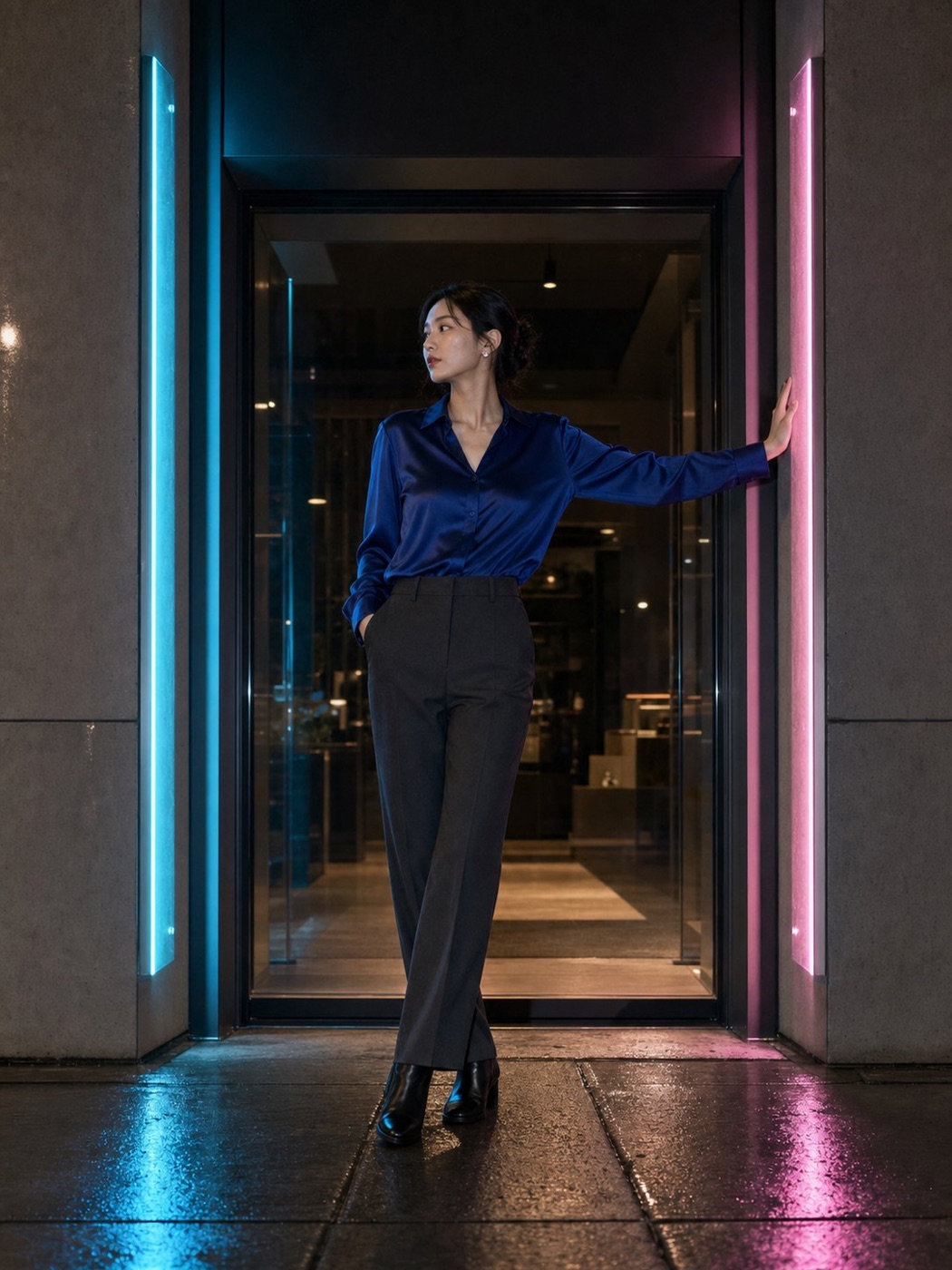
城市夜景人像样例
×正在观察Observing•••
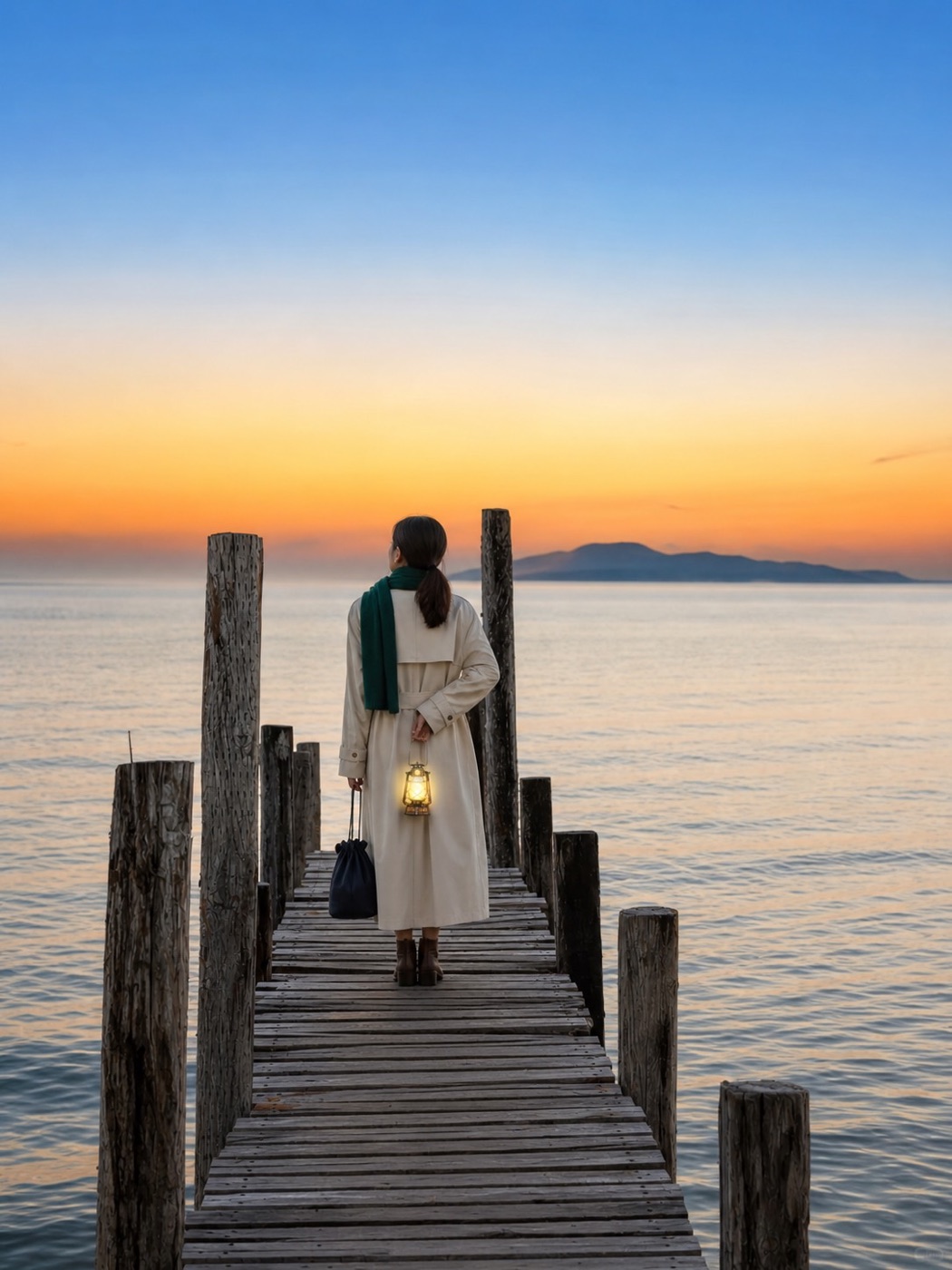
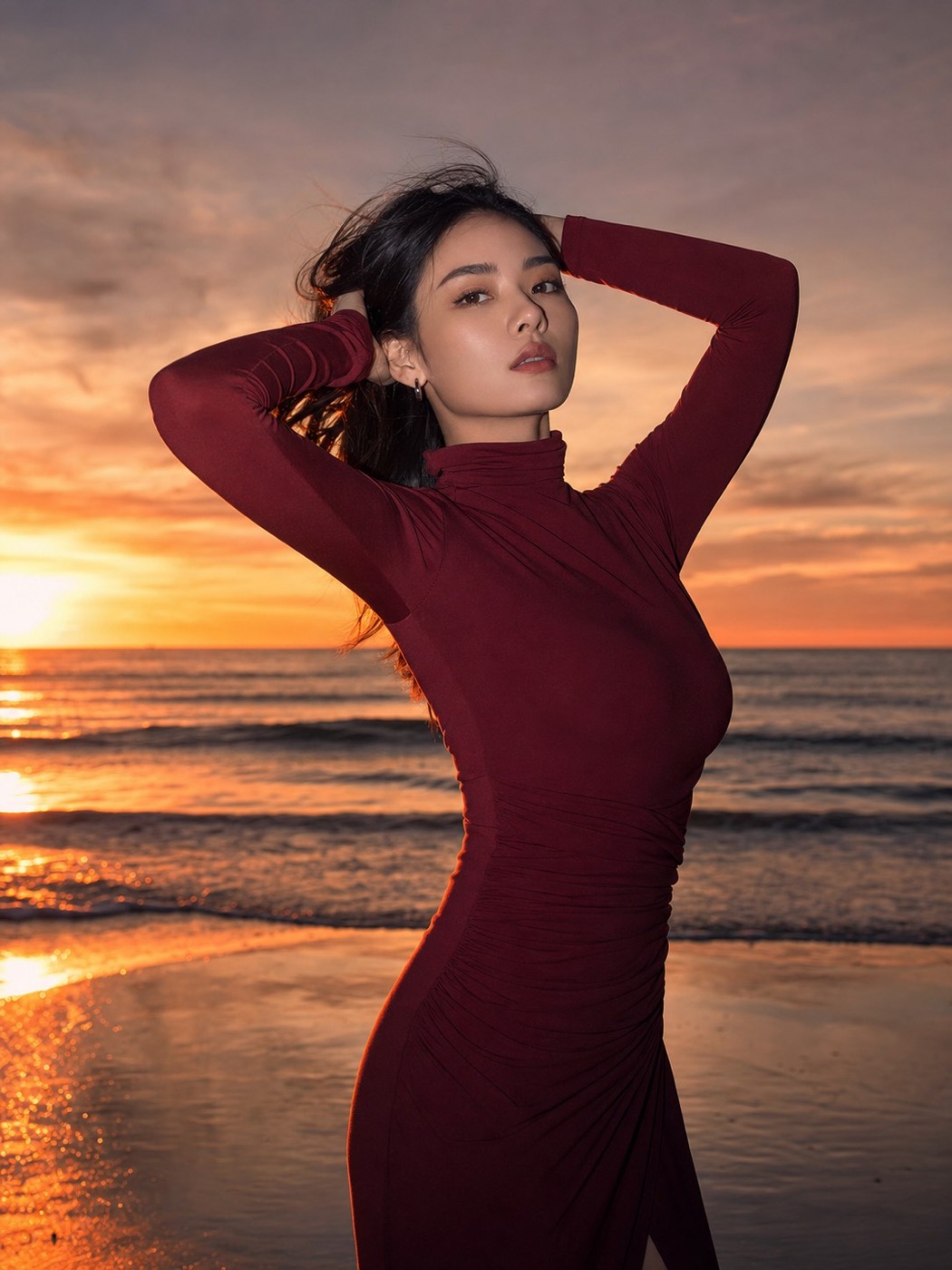
日落人像实时取景画面 海平线压在双肘下方 Horizon below both elbows
✦智能提示Smart cue手机再低一点Lower the phone a little
日落闪光双臂框脸Sunset flash · face framed2x · 胸口高度 · 约 2 米2x · chest height · about 2 m
⌁
100+
个拍照样例photo references更多样例持续更新中More samples added continuously
⌾设备端处理On-device
SCROLL TO FOCUS
ANGLE✦POSE✦WORDS TO SAY✦KEEPER✦机位✦姿势✦说什么✦愿意留下✦
01

真正的问题

The real problem

好相机很多。
会拍她的人不够多。

Great cameras are everywhere.
Knowing how to photograph her isn't.

“我站哪?”“Where do I stand?”
“就……那里?”“Maybe… there?”
“手怎么放?”“What do I do with my hands?”
快门和解把答案放进取景器。Shutter Truce puts the answer in the viewfinder.
02

AI 找到,照着拍

Find it. Frame it. Shoot.

找到样例,照着拍,
就完成了。

Find a reference. Follow it.
Take the photo.

不用先懂摄影,也不用研究复杂参数。整个过程只有三个动作。

No photography lesson. No complex settings. The whole flow is three simple actions.

01
AI 识别海边日落场景并推荐样例
✦正在识别当前场景Reading this scene
适合当前画面Fits this scene日落闪光双臂框脸Sunset flash · face framed
✓

AI 找到适合当前场景的样例

AI finds a reference that fits this scene

打开相机,AI 根据眼前的场景和人物位置推荐现在适合拍的样例。选一张就好。

Open the camera and AI recommends references that fit the scene and subject in front of you. Pick one.
02
按照海边样例对齐人物轮廓与海平线
✦海平线保持水平Keep the horizon level

按照样例指引完成构图

Follow the reference to finish the composition

让人物轮廓与海平线等场景标记对齐;需要调整时,只看当前最重要的一句提示。

Align the subject with scene markers such as the horizon. If anything needs adjusting, follow the one cue that matters now.

03
完成构图后点击快门拍照
✓拍摄完成Captured

点击快门,完成拍摄

Tap the shutter. Photo done.

对齐后直接拍。没有评分、没有考试,提示也永远不会挡住快门。

Once it lines up, shoot. No score, no test, and guidance never blocks the shutter.

03

智能拍摄 · 一次买断

Smart shooting · one-time unlock

不是噱头。
每一步都在帮你做决定。

Not a gimmick.
Help at every decision.

从找到适合当前场景的样例,到实时调整构图,再到拍后一键美化。三项能力都在 iPhone 本机完成。

Find references that fit the scene, adjust composition in real time, then beautify the keeper with one tap. All three run on iPhone.

AI · 01

智能场景识别,推荐现在就能拍的样例

Recognise the scene. Recommend references you can shoot now.

读取当前画面的场景、人物大小与构图,从你能访问的样例中给出可信推荐;结果不可靠时就不打扰。

Reads the scene, subject scale and composition, then recommends credible references you can access—and stays quiet when confidence is low.

城市夜景实时画面
✦适合当前画面Fits this scene换一批 ↻Refresh ↻
霓虹门前Neon doorway场景相近Similar scene蓝调车边Blue-hour car构图接近Similar frame窗边侧坐Window seat人物大小相近Similar scale
座驾场景中的实时智能构图指导
✦智能提示Smart cue
手机再低一点Lower the phone a little往左移一点Move a little left头顶再留一点空间Leave more headroom
AI · 02

实时判断构图差异,给你一句明确提示

Read the mismatch. Give one clear cue in real time.

根据当前人物位置、大小、留白和姿态,只显示当前最重要的一条调整建议,不显示分数,不阻塞快门。

Uses position, scale, headroom and pose to show only the most useful adjustment—no scores and never blocks the shutter.

AI · 03

一键美化,按这张照片自然调整

One-tap beautify, tuned for this photo.

在编辑页主动按下「美化」,App 才分析这张照片,生成自然美颜并自动改善曝光与色彩;随时可关,不会偷偷套用。

Tap Beautify in Review to analyse this photo, generate natural face tuning and improve exposure and colour. Turn it off anytime—nothing is applied silently.

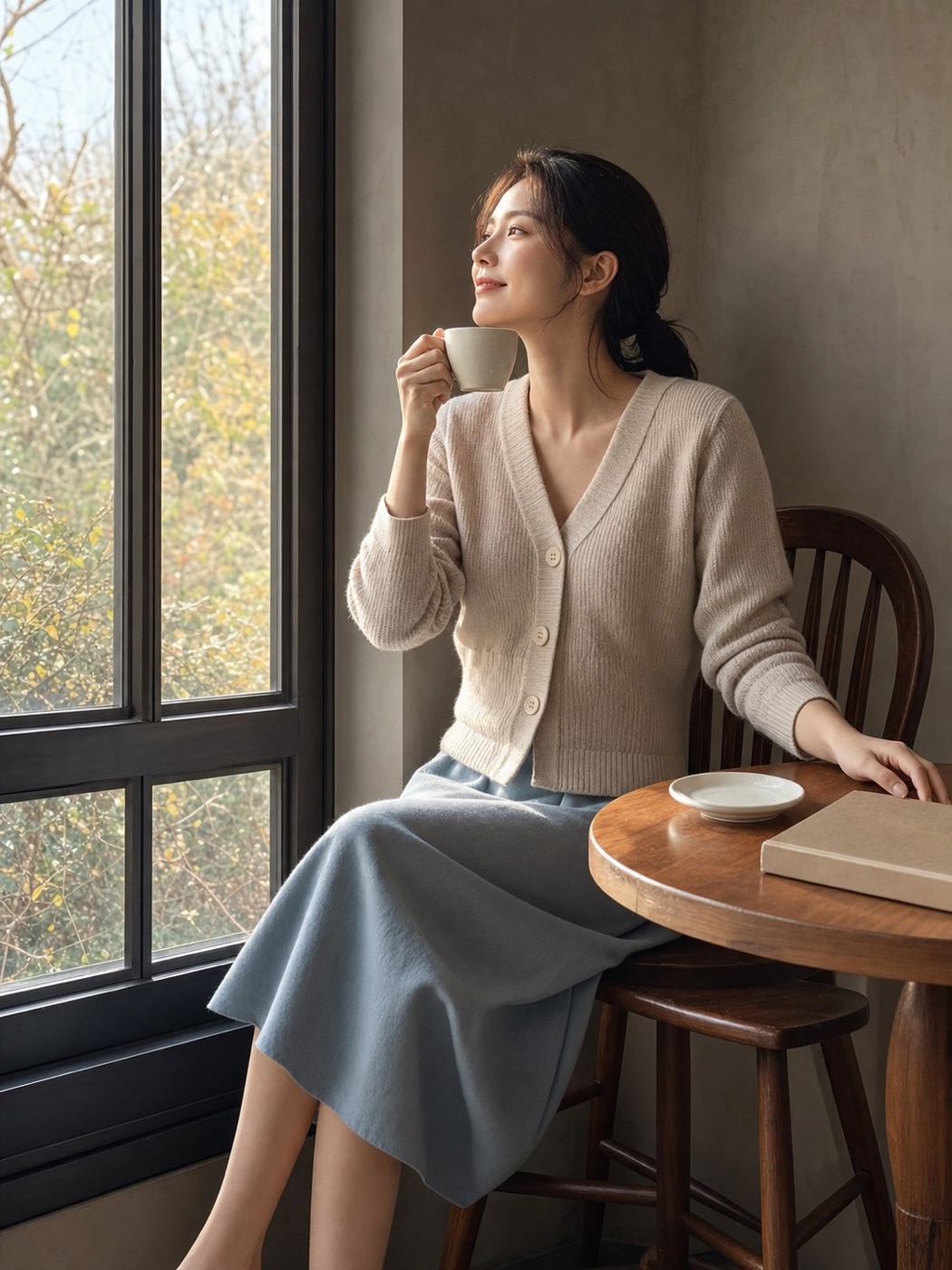
咖啡馆人像编辑预览
×编辑预览Edit preview
正在美化…Beautifying…已美化Beautified
美颜Beauty风格Style调整Adjust装饰Decorate
↳

三项能力随「智能拍摄」一次买断永久解锁;样例包独立购买,不订阅。

All three unlock permanently with one Smart Shooting purchase. Reference packs are separate. No subscription.

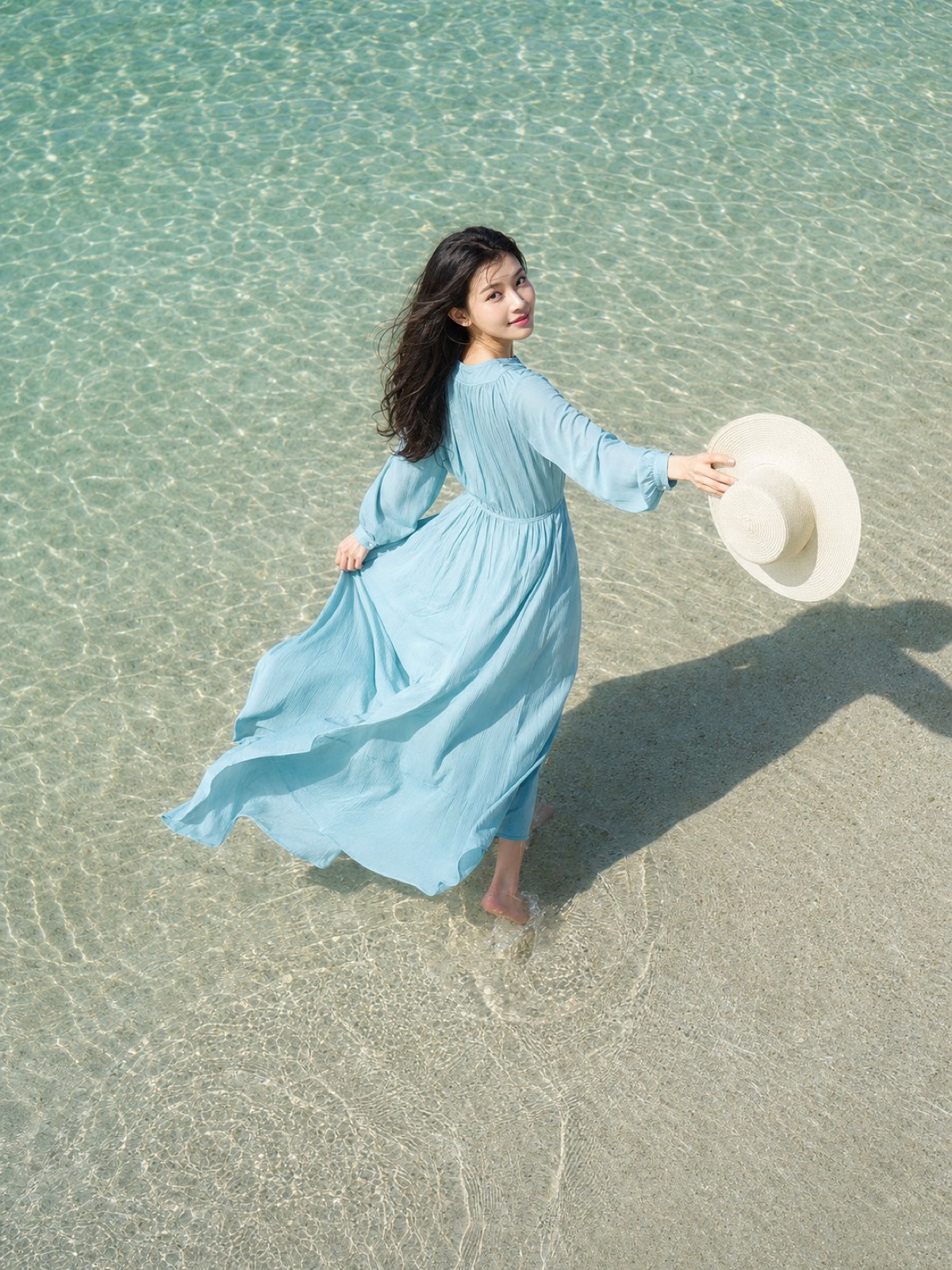
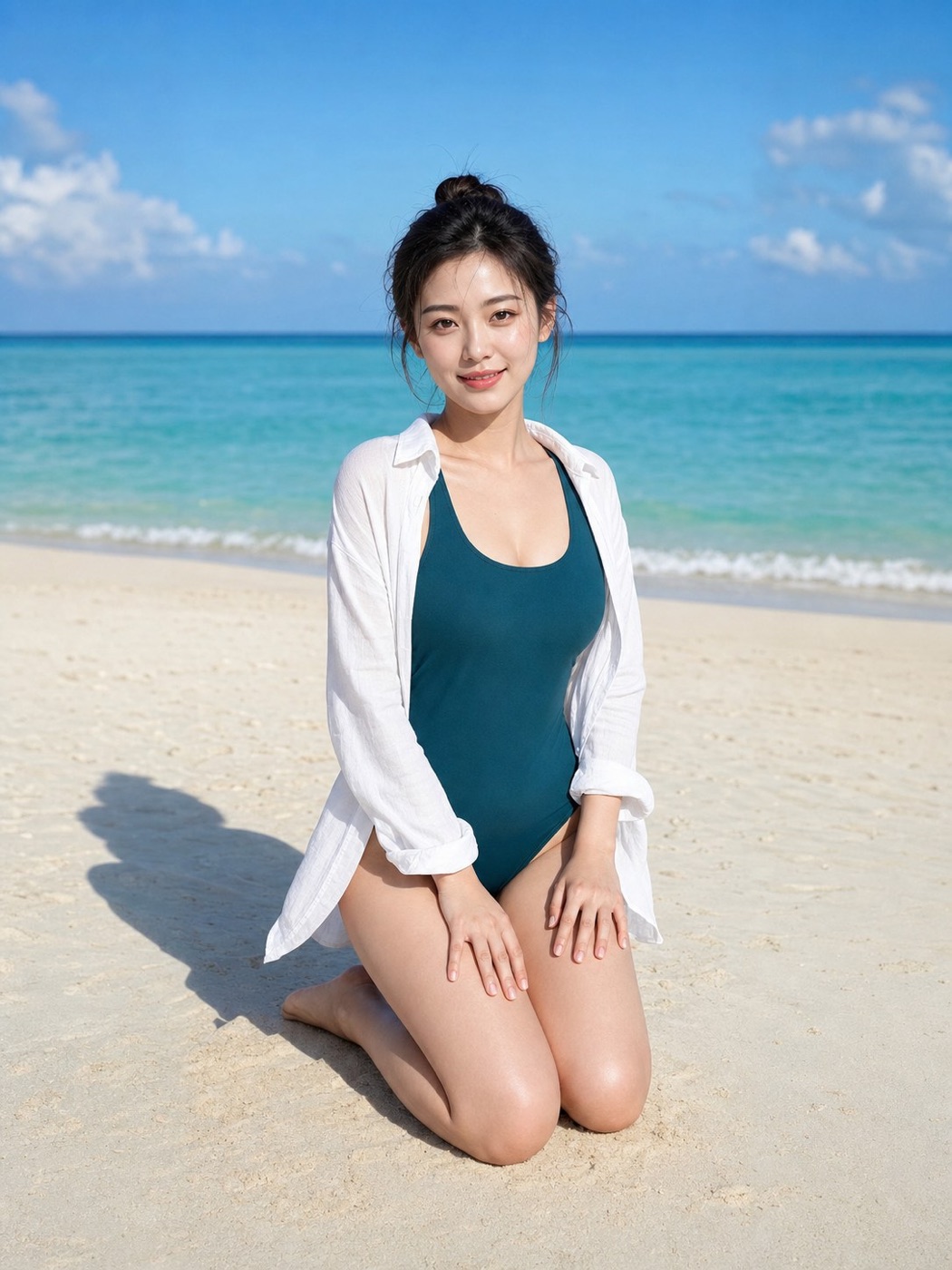
海边俯拍人像
04

拍完再修

Edit after capture

取景时专心拍。
喜欢的照片,再慢慢调。

Stay present while shooting.
Tune the keeper afterwards.

美颜、胶片风格、手动调整、相框、签名与预设会随版本继续扩展。开启拍后编辑时先保留原片,再另存编辑版;普通照片中成对的原片可在本次回看中一键清理。

Retouching, film looks, manual adjustments, frames, signatures and presets will keep expanding. Post-capture editing keeps the original and saves a separate edited copy; paired still originals can be cleaned up from the session gallery.

BEAUTYSTYLEADJUSTFRAMESIGNPRESET
本张配方This photo's recipeNON-DESTRUCTIVE
曝光Exposure+0.2
色温Warmth+8
颗粒Grain12
PORTRA 03可以继续改Keep tuning
05

不只是一颗快门

More than a shutter

Apple Watch 遥控取景
APPLE WATCH

她在手腕上看取景

She sees the frame on her wrist

三脚架自拍时,用 Apple Watch 看对齐虚线并遥控快门。

On a tripod, she can see the alignment guide and fire the shutter from Apple Watch.

LIVE

Live Photo

保留动作与声音。编辑版另存静照时,原始 Live Photo 仍完整保留。

Keep motion and sound. When an edited still is saved, the original Live Photo remains intact.

∞

完整拍摄链路永久免费

The complete capture flow stays free

拍摄、编辑、保存、免费样例、风格与相框都可免费使用,并会随版本持续更新。智能功能与额外样例包一次买断,不订阅。

Capture, edit, save, free references, looks and frames stay free and keep growing with updates. Smart tools and extra packs are one-time purchases—no subscription.

06

照片属于你

Your photos stay yours

所有聪明,都留在设备上。

All the intelligence, on your device.

没有开发者账号系统,没有分析或广告 SDK,没有追踪,也没有开发者运营的图片上传服务器。场景建议、拍摄指导、人脸分析和编辑都在 iPhone 上完成。

No developer account system. No analytics or advertising SDK. No tracking and no developer-operated photo upload server. Scene guidance, face analysis and editing all run on iPhone.

  • 照片不上传No photo uploads
  • 人脸特征不上传No facial-feature uploads
  • 位置不上传No location uploads
阅读完整隐私政策Read the full privacy policy ↗
快门和解 App 图标
现已正式上线Now available on the App Store

下一张照片,
别再靠猜。

For the next photo,
stop guessing.

快门和解现已在 App Store 上线。无需注册账号,支持 iOS 18 或更高版本。

Shutter Truce is now available on the App Store. No app account required. iOS 18 or later.

立即下载Download on theApp Store
城市蓝调座驾人像海边人像咖啡馆人像